Deadline and Focus guides for Mac
Set up your first deadline, keep bills and renewals in sight, and work through one task at a time.
Guide · 6 min read
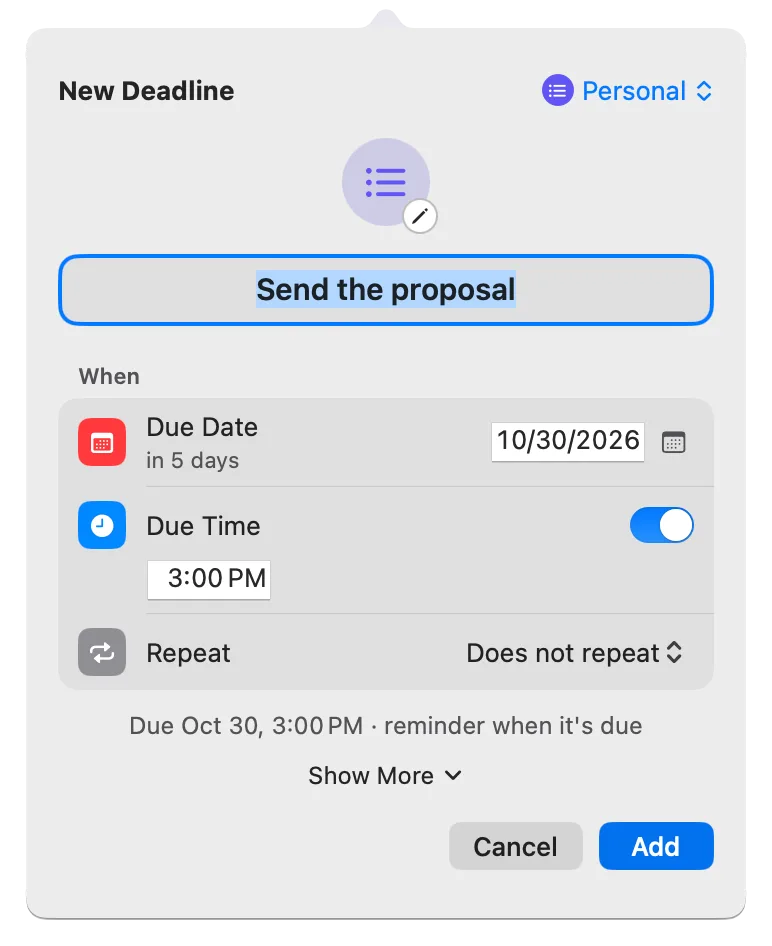
Get started with Deadline Bar: add your first Mac deadline
Press Control-Option-D, give your first deadline a day and a time, and watch it count down in the menu bar. Then set a reminder, finish it, and see what’s free.Get started
Guide · 9 min read
Pro
Deadline Bar Pro features: a tour of everything it adds
Every Deadline Bar Pro feature in one tour: unlimited deadlines, your own groups, Reminders and Calendar in the list, any Focus rhythm, themes, and medals.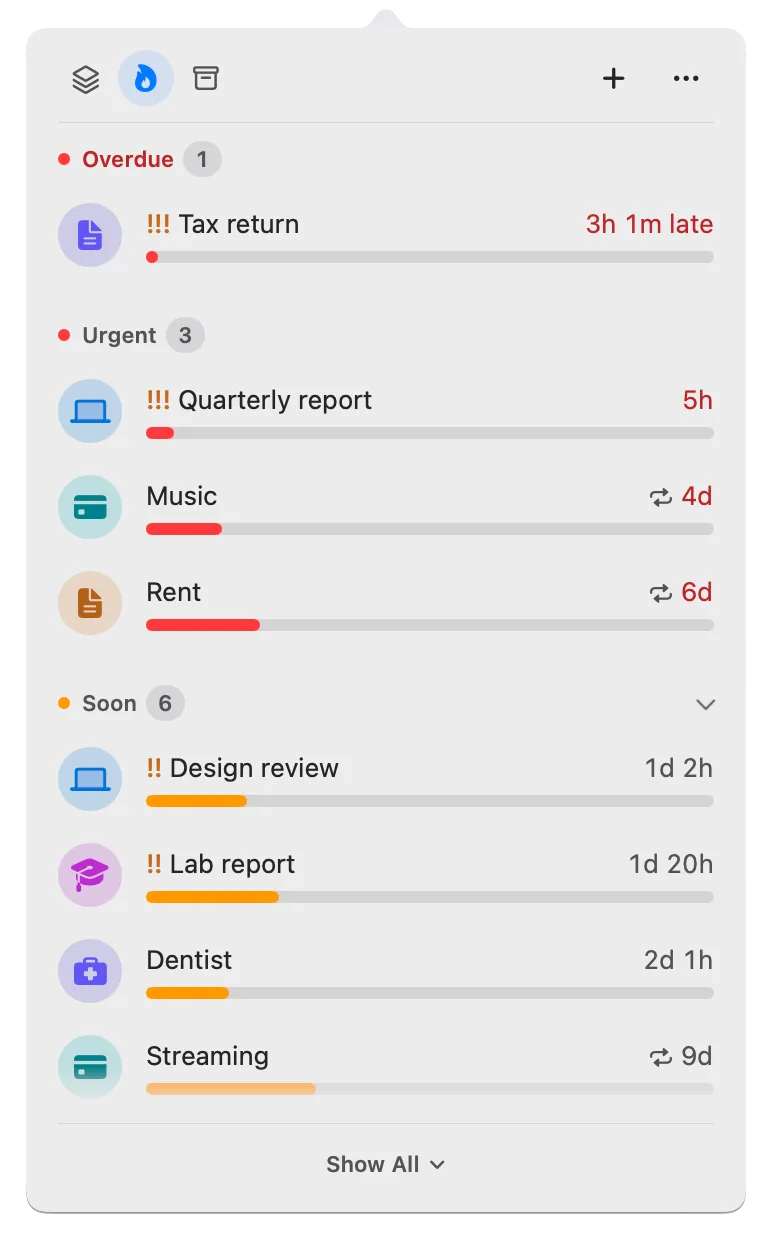
Guide · 12 min read
Pro
Deadline Bar Free vs Pro: what you get, and which to choose
Compare the free version and Pro: room for deadlines, Focus, groups, Reminders and Calendar, and themes. See when to stay free, and what happens if Pro ends.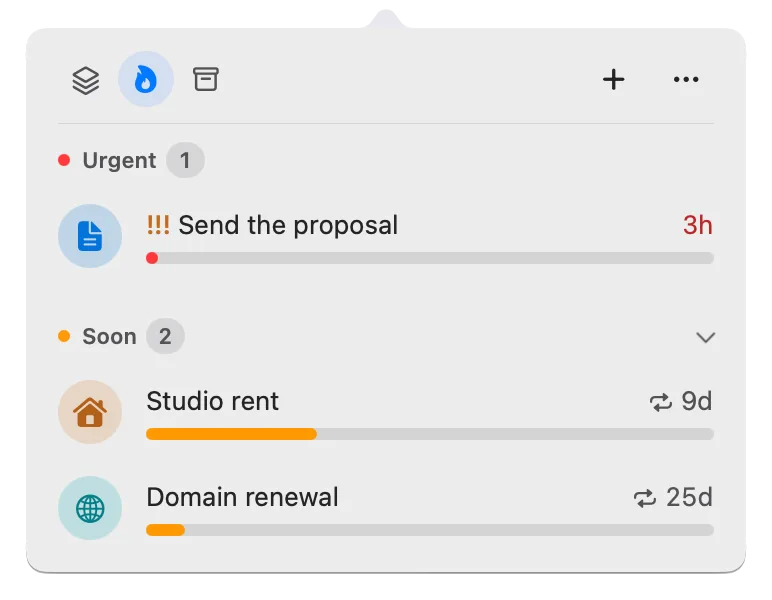
Guide · 11 min read
Mac menu bar countdown to your next deadline
Put a deadline countdown in your Mac menu bar, visible in every app: set a due time, see which deadline it picks and why, and finish it.Work and study
Guide · 13 min read
Freelance deadlines: track every client’s due dates on a Mac
Keep client deliverables, revisions, and moved due dates visible on your Mac. A simple setup on the free version, and when Pro’s groups per client are worth it.
Guide · 11 min read
How to keep track of assignments and due dates on a Mac
Put every assignment and exam in one list on your Mac, plan exam study as its own deadline, and keep the most urgent one in your menu bar.
Guide · 11 min read
How to keep track of deadlines: one list and one countdown
Write each deadline in one list the day you get it, keep the time left in view, pick the next by what a slip costs, and review it weekly.
Guide · 9 min read
Pro
See Reminders and Calendar deadlines in one list (Pro)
Show dated Apple reminders and chosen calendar events in Deadline Bar’s list, sorted by urgency with your own deadlines. Setup, editing limits, and Done.Bills and dates
Guide · 8 min read
Free trial reminders: remember to cancel before you’re charged
Write down when a free trial charges and the last moment to cancel, set a reminder before it, and decide in time. Canceling itself happens with the provider.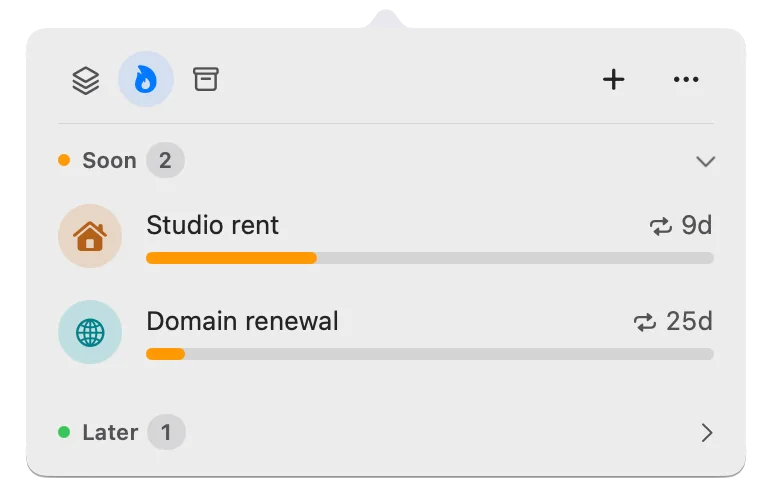
Guide · 9 min read
Repeating deadlines on Mac, and when reminders ring
Set an early reminder and a repeat, and the next round appears when you mark one done. All-day reminders, month-end dates, and late payments.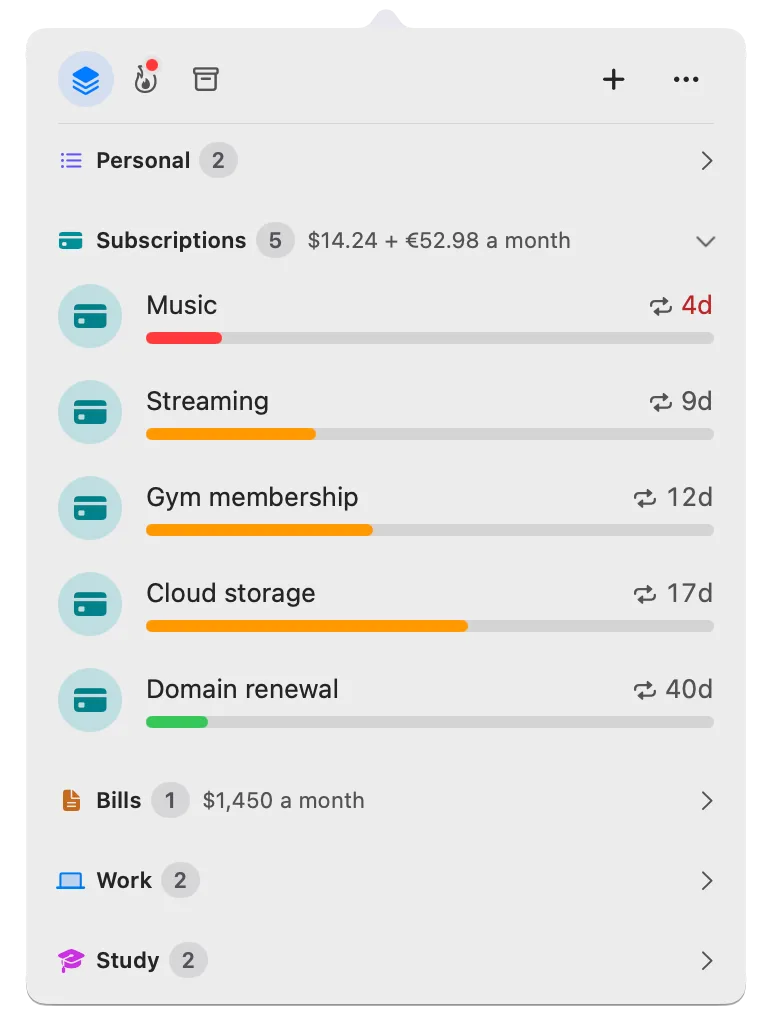
Guide · 12 min read
Bill reminders on Mac: track due dates and yearly renewals
Track every bill and yearly renewal on your Mac: the next due date, the last day to act, and a reminder in time. You enter each one; nothing reads your bank.Focus and priorities
Guide · 8 min read
Start dates in Deadline Bar: hide work until you can begin
Give a deadline a start date and it waits in Scheduled, out of your list and menu bar, until that day. Set or move a start, begin early, and read time left.
Guide · 8 min read
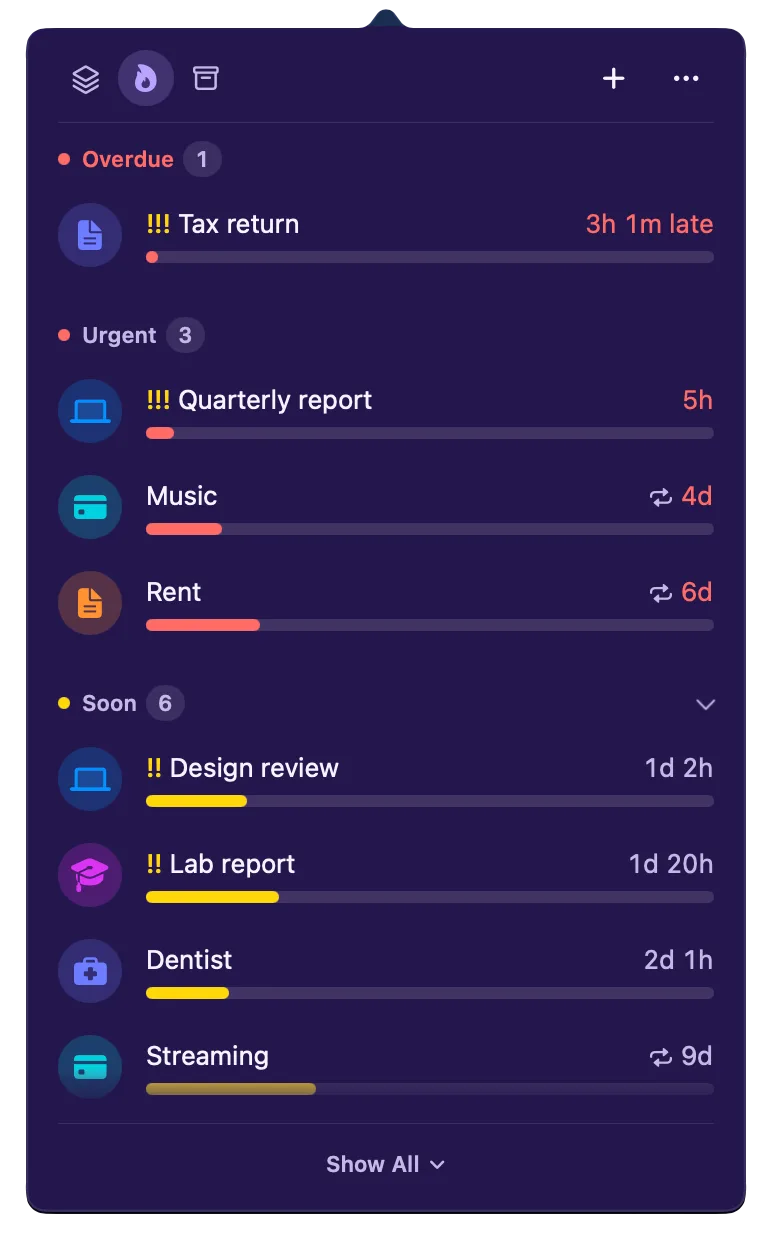
Green, yellow, red: how Deadline Bar shows a deadline’s urgency
A Task turns yellow at 30% of its time left and red at 10%; a Date at 30 and 7 days. Learn to read the three colors, and why time left isn’t the same as effort.
Guide · 10 min read
How to prioritize competing deadlines: what to do first
When several deadlines compete, sort them by how much of their time is left, then by what a slip would cost. A worked example, and how to do it on your Mac.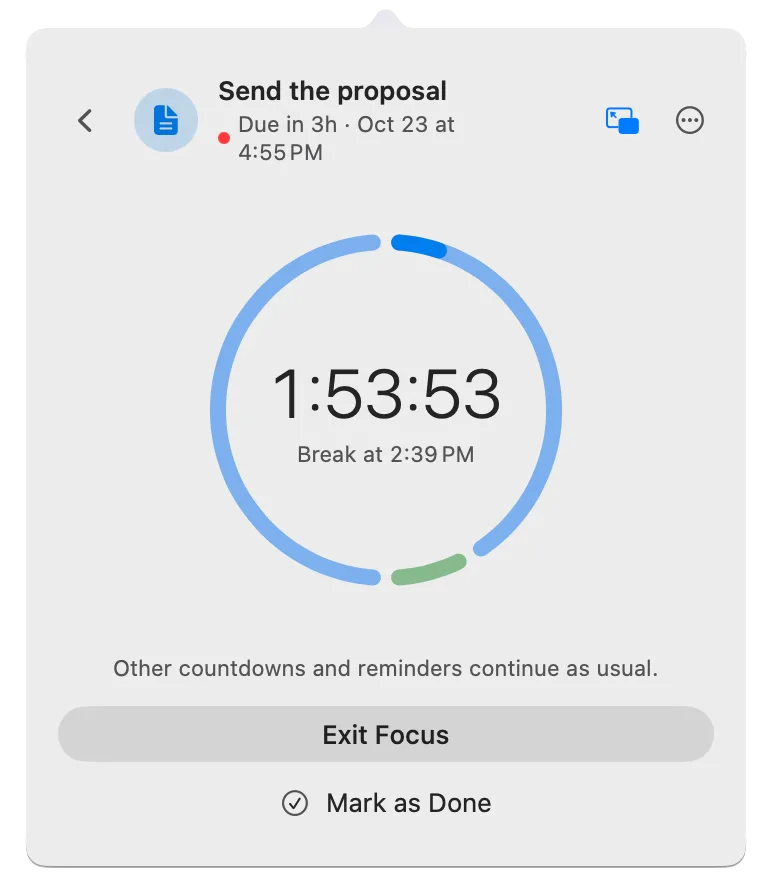
Guide · 8 min read
Timeboxing: how to work on one task in a fixed block of time
Pick one task, give it a fixed block of time, and stop when it ends, finished or not. How to choose the length and breaks, where timeboxing breaks, and a free Mac timer.Troubleshooting
Guide · 6 min read
Move Deadline Bar to a new Mac: export, import, restore Pro
Moving to a new Mac? Export a file, import it, and restore Pro. What moves, what stays behind, and why Deadline Bar doesn’t sync between Macs.
Guide · 6 min read